A few quick steps protect your privacy and help us pay you faster. Here’s your phone trade-in checklist.
1. Back up
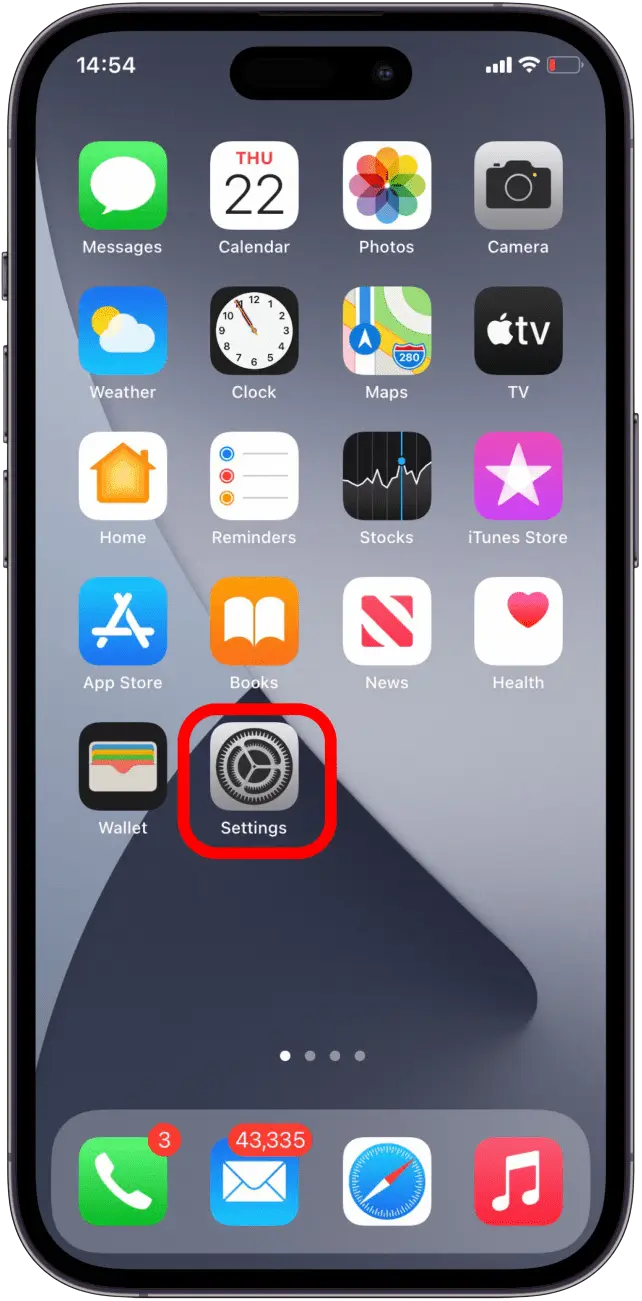
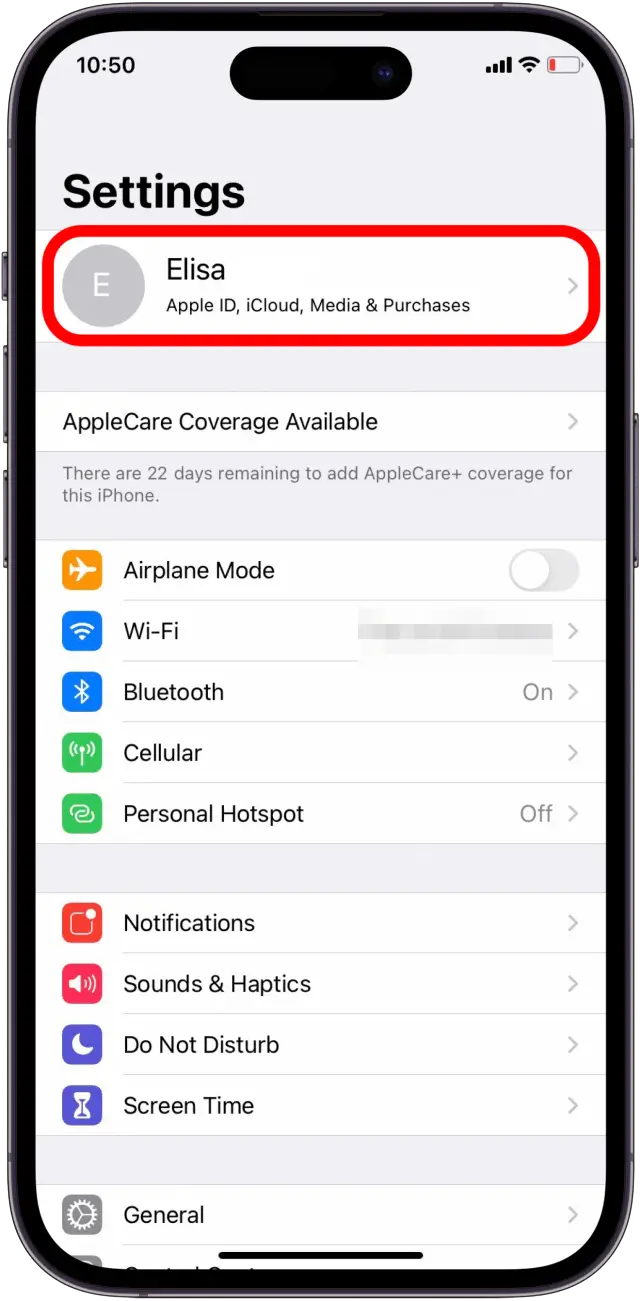
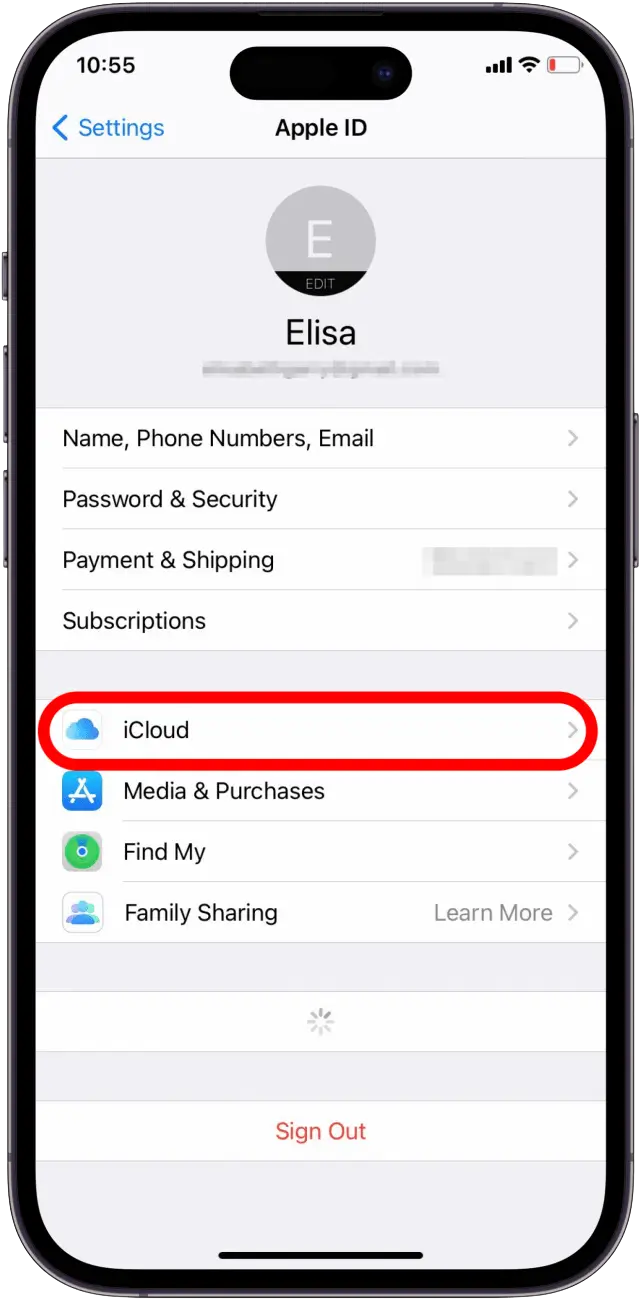
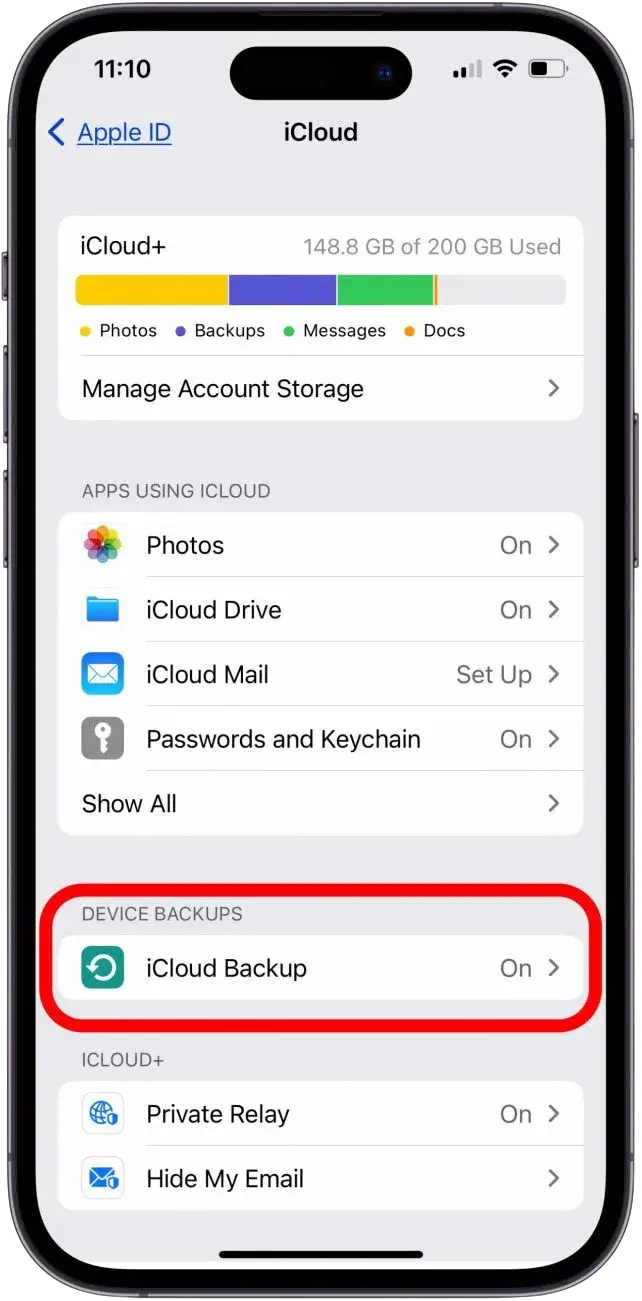
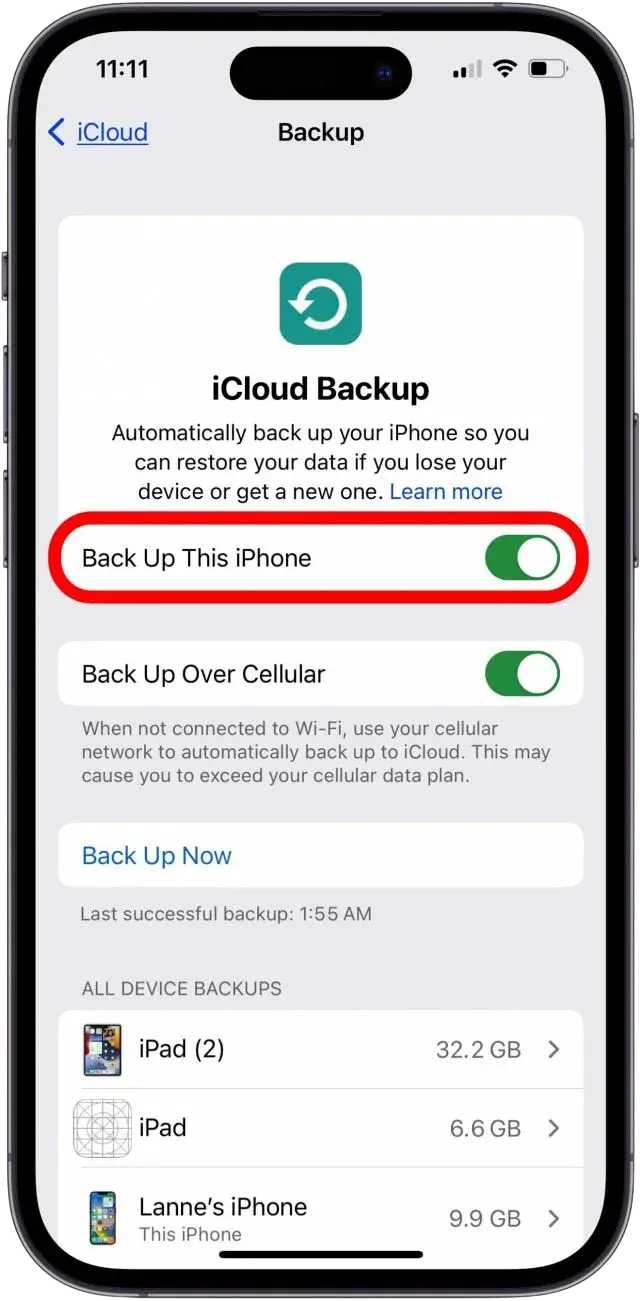
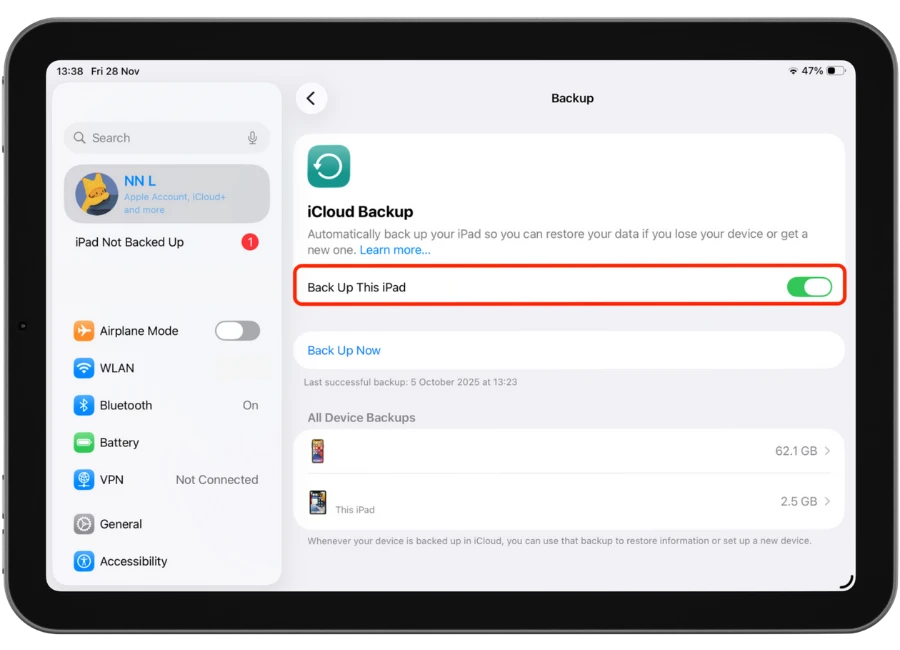
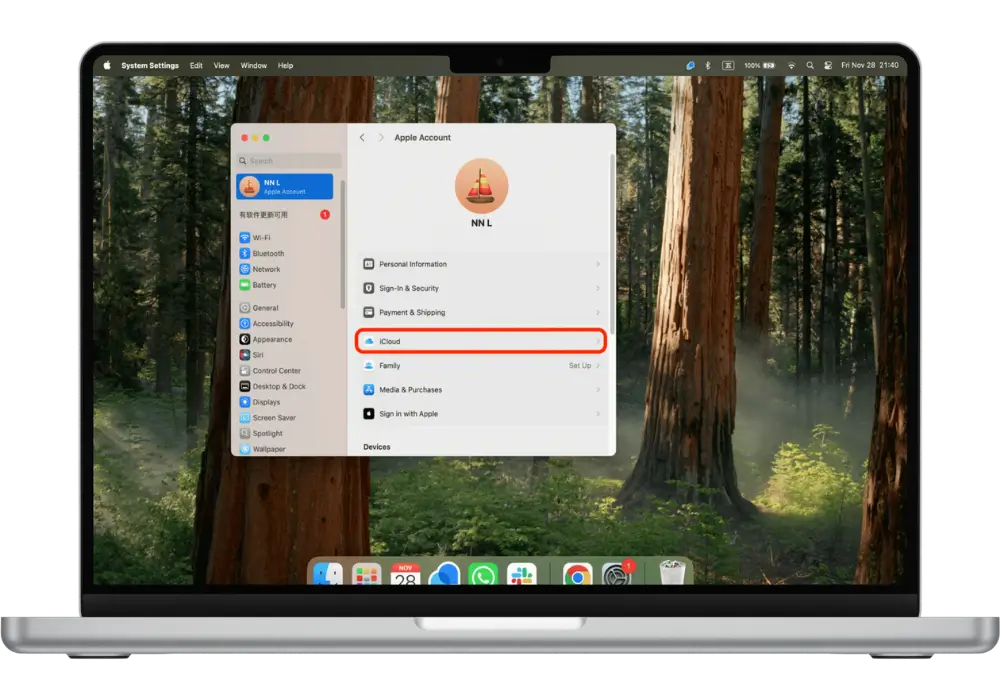
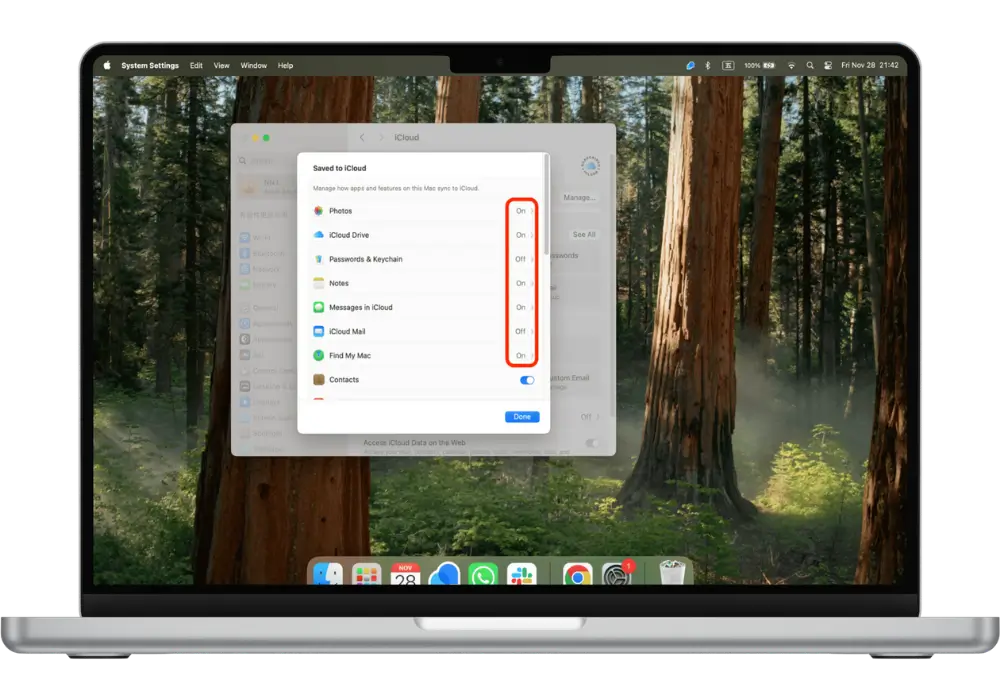
iCloud or your computer (Photos, iMessage, Notes). Back up your iPhone to iCloud.
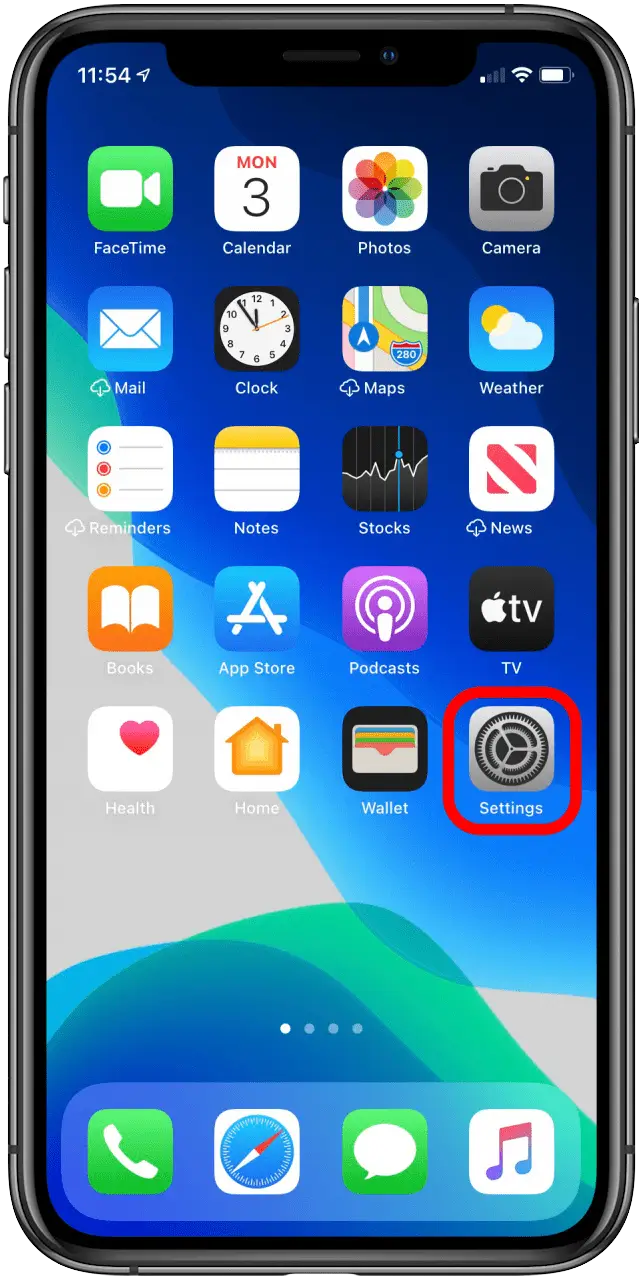
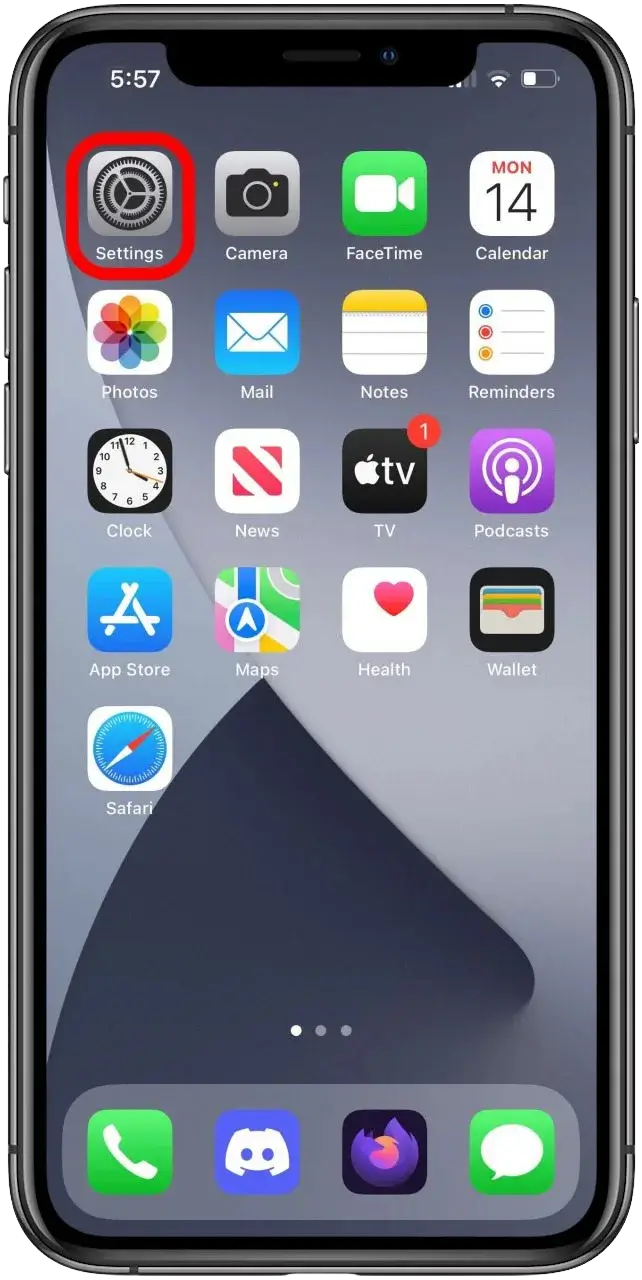
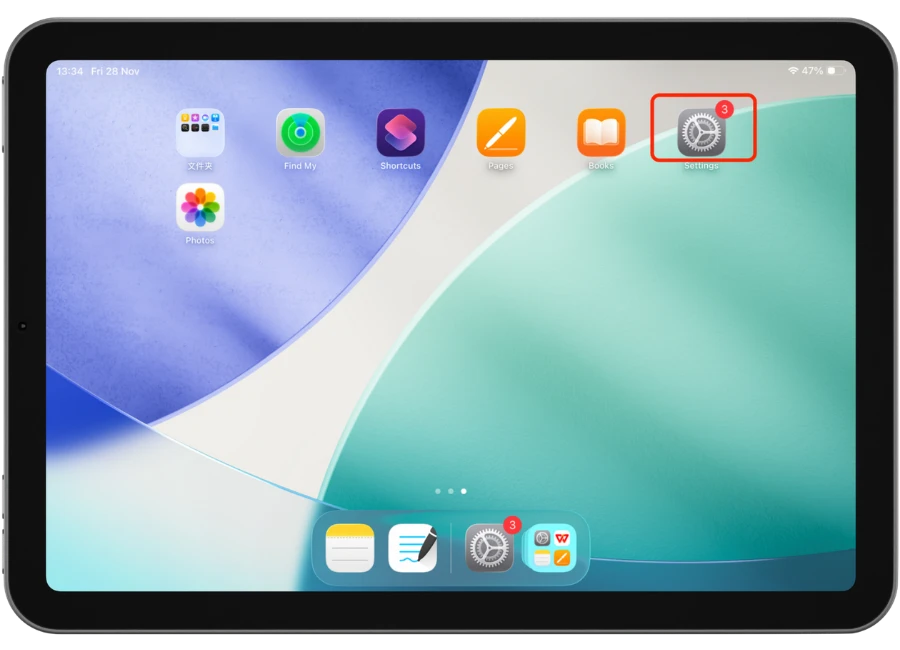
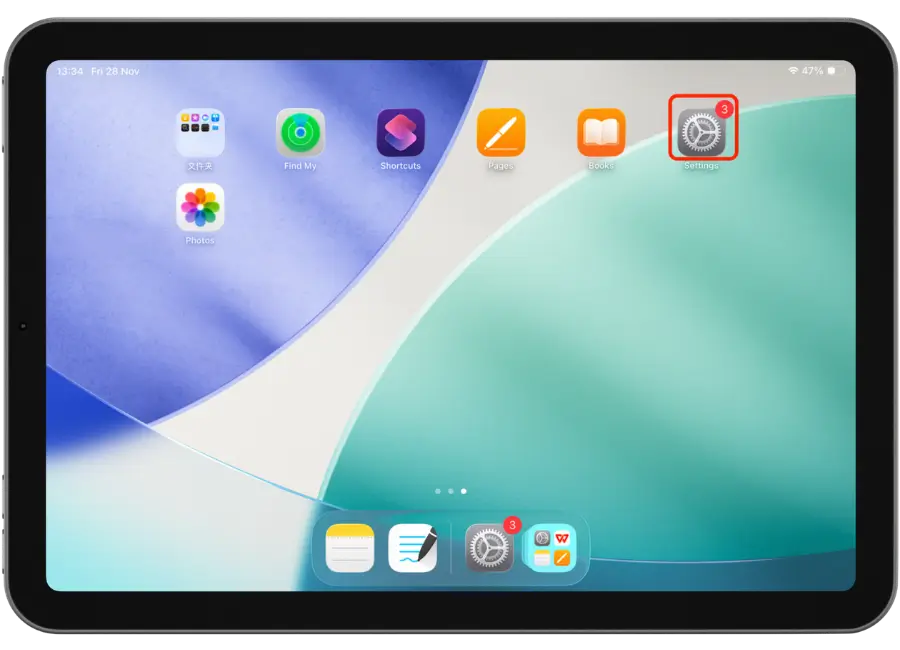
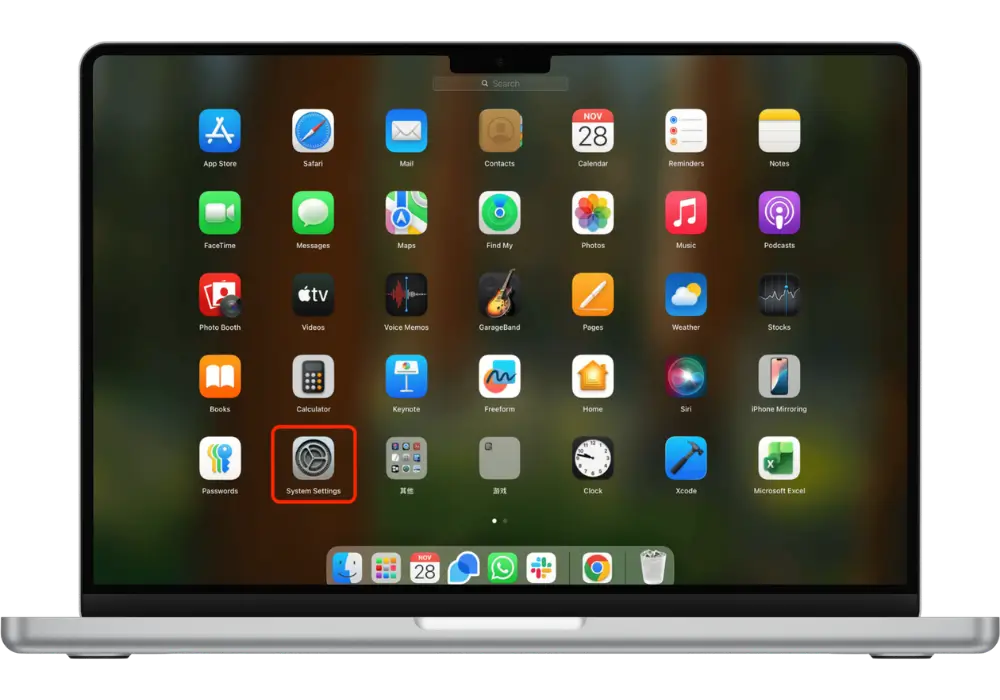
1. Tap Settings.
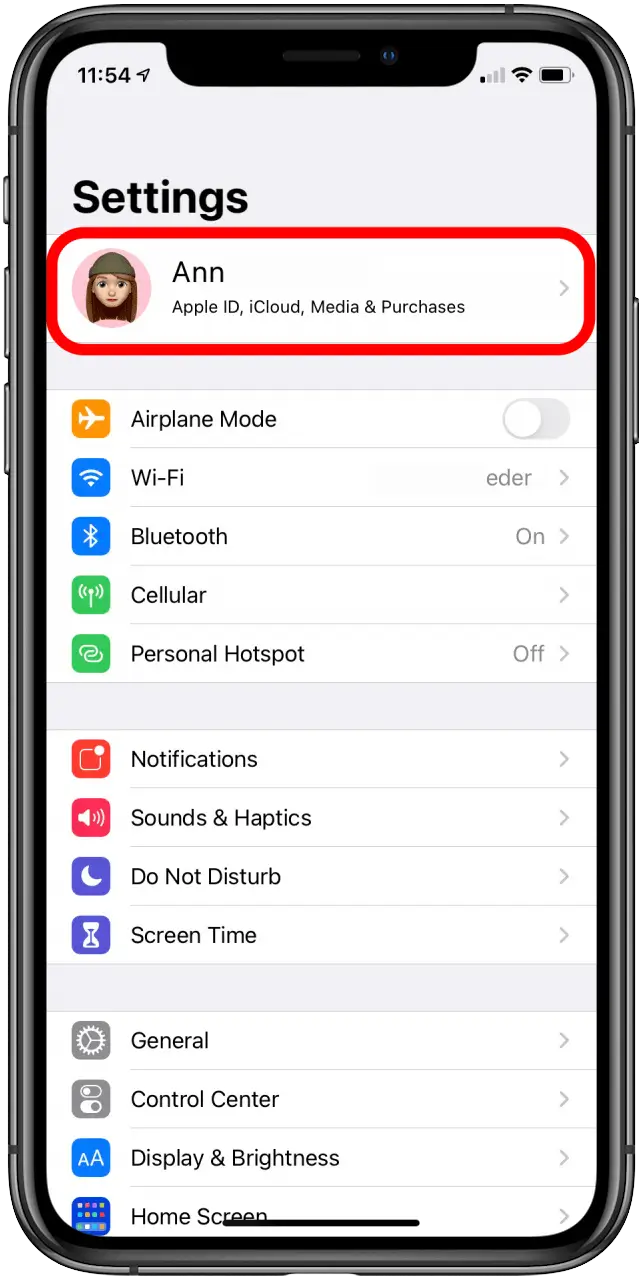
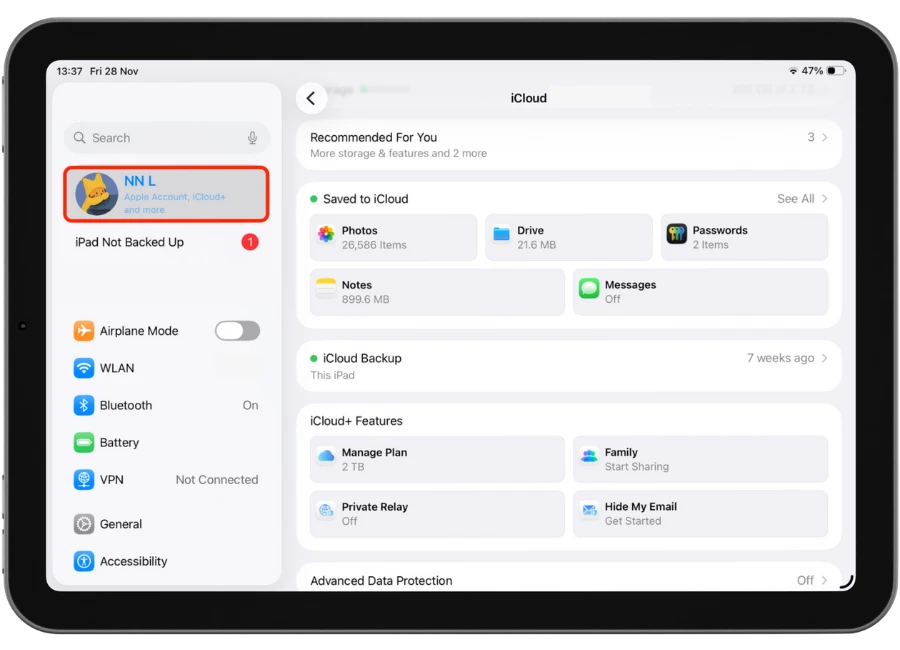
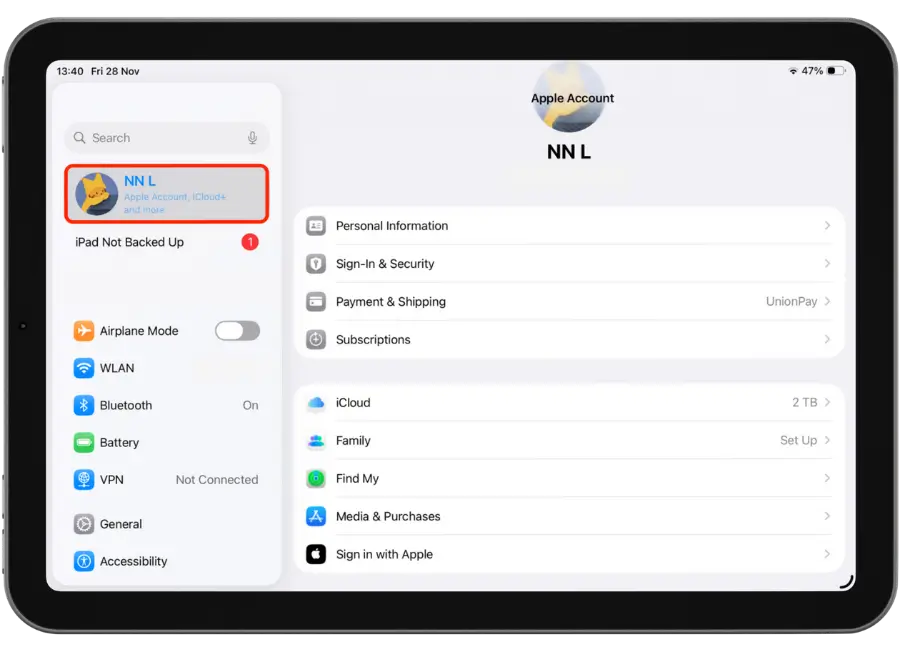
2. Tap on the Apple ID profile at the top.
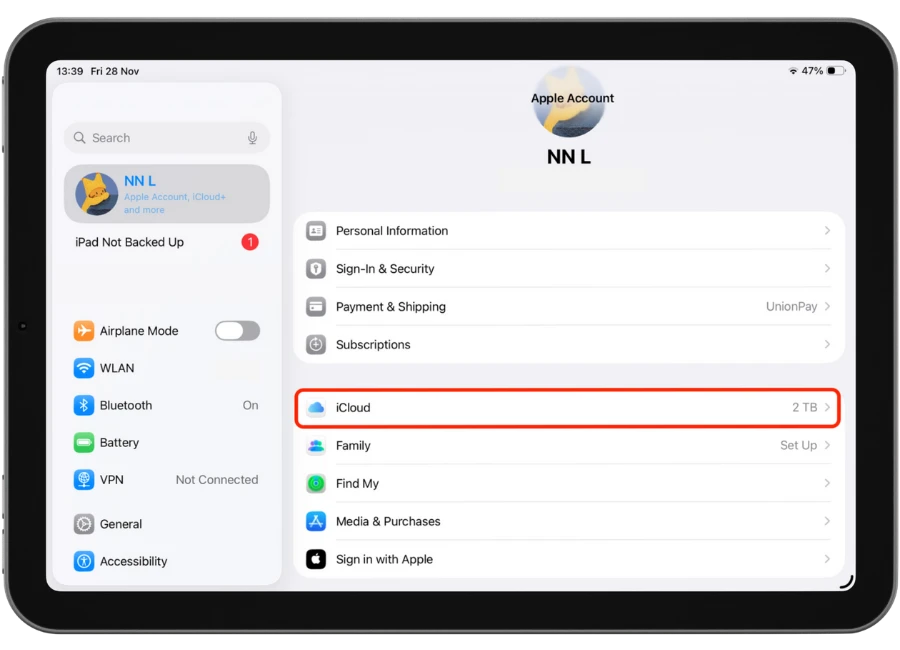
3. Tap iCloud
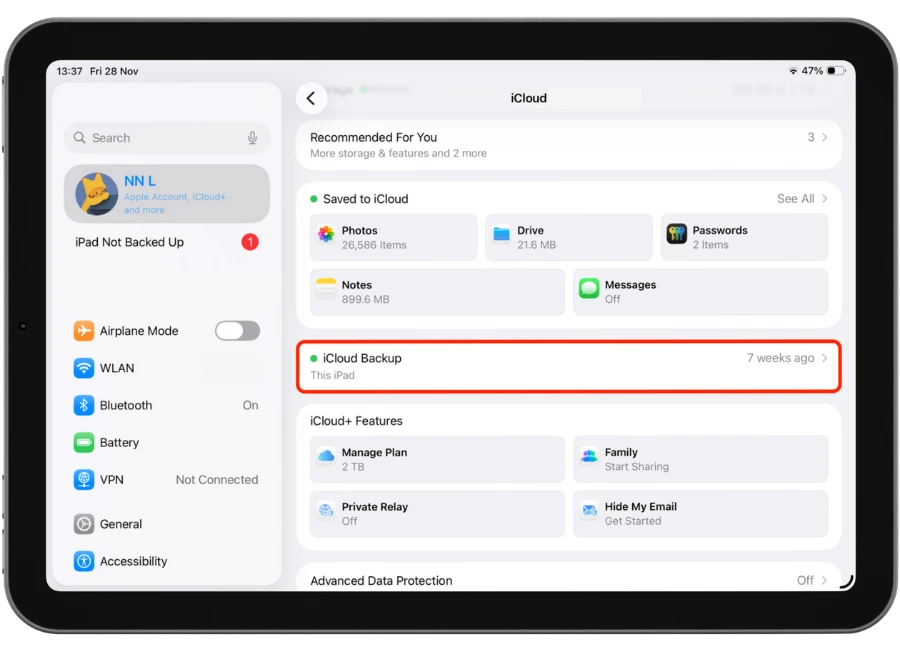
4.Scroll down and select iCloud Back up.
5. Please ensure that Back Up This iPhone is enabled
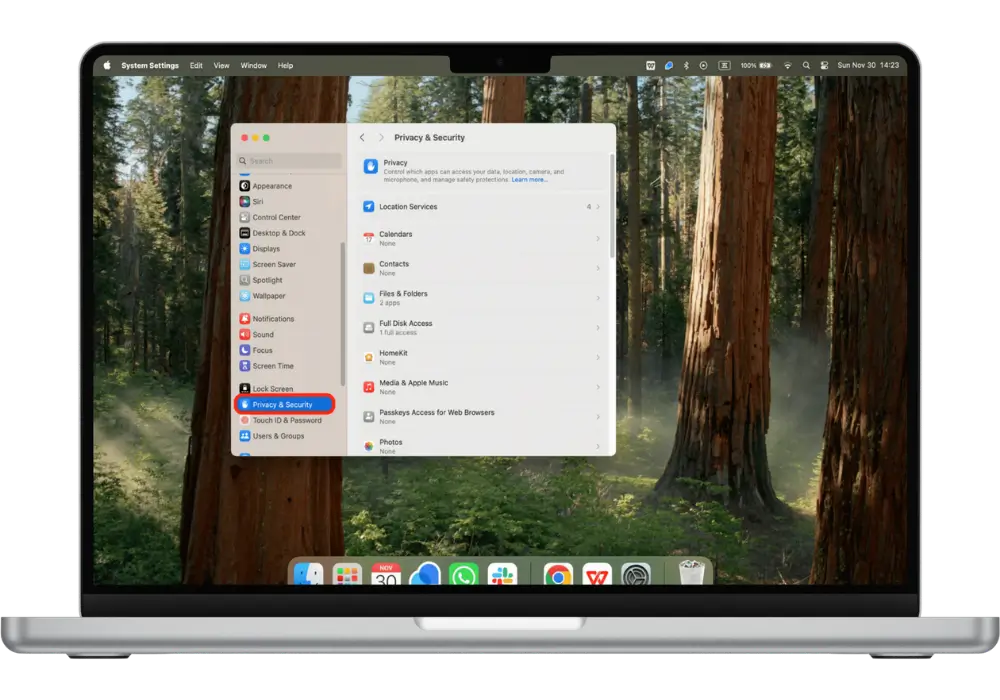
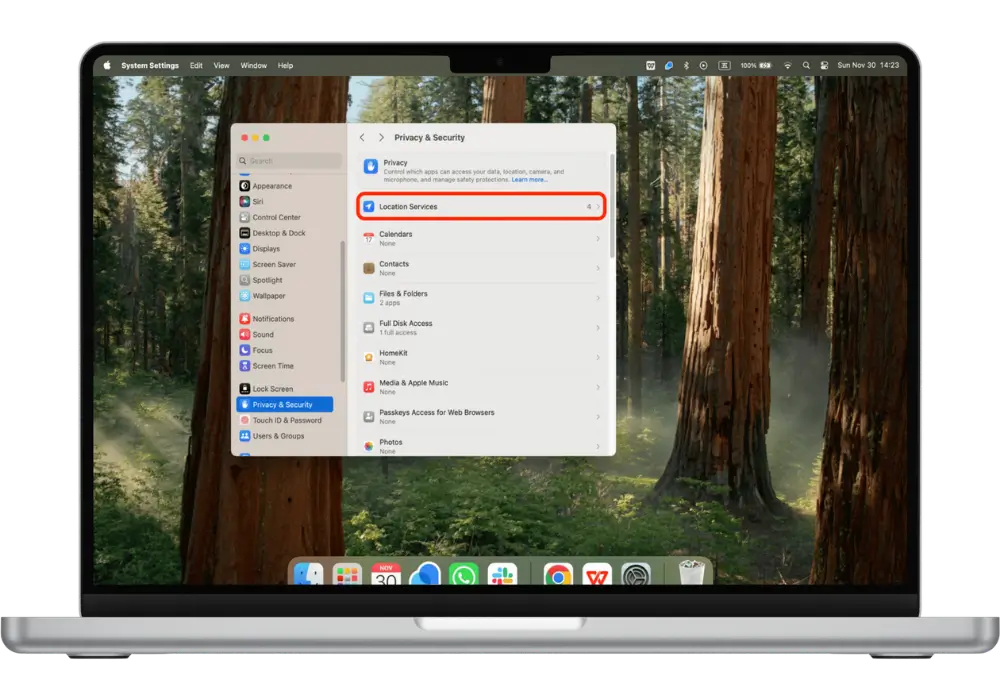
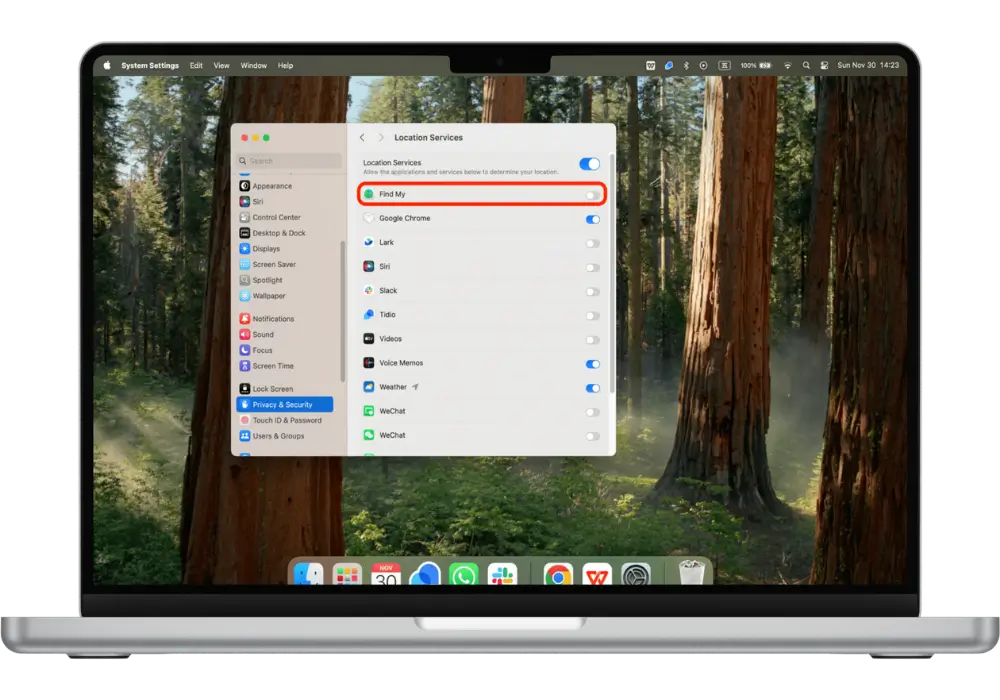
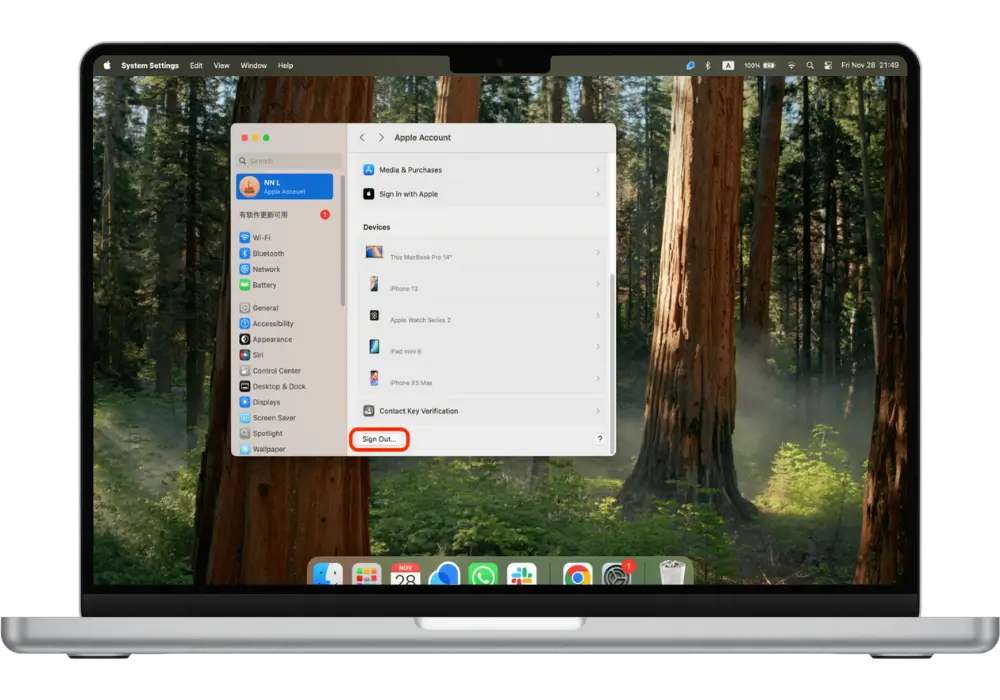
2. Turn Off Find My iPhone and Sign Out iCloud
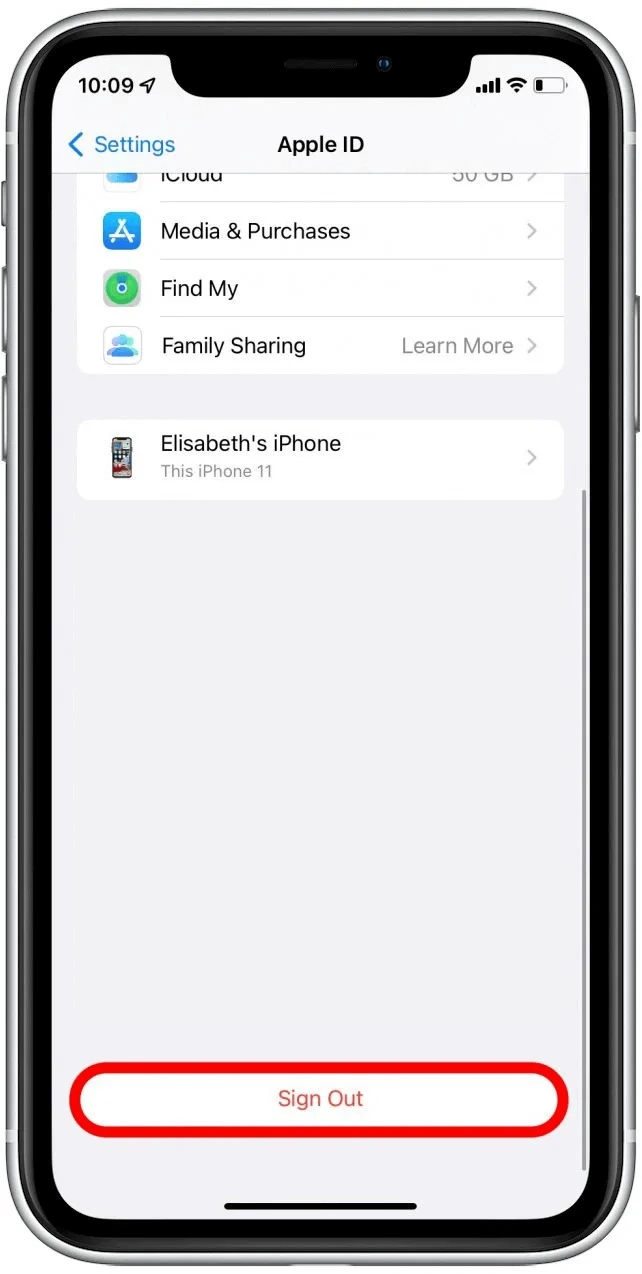
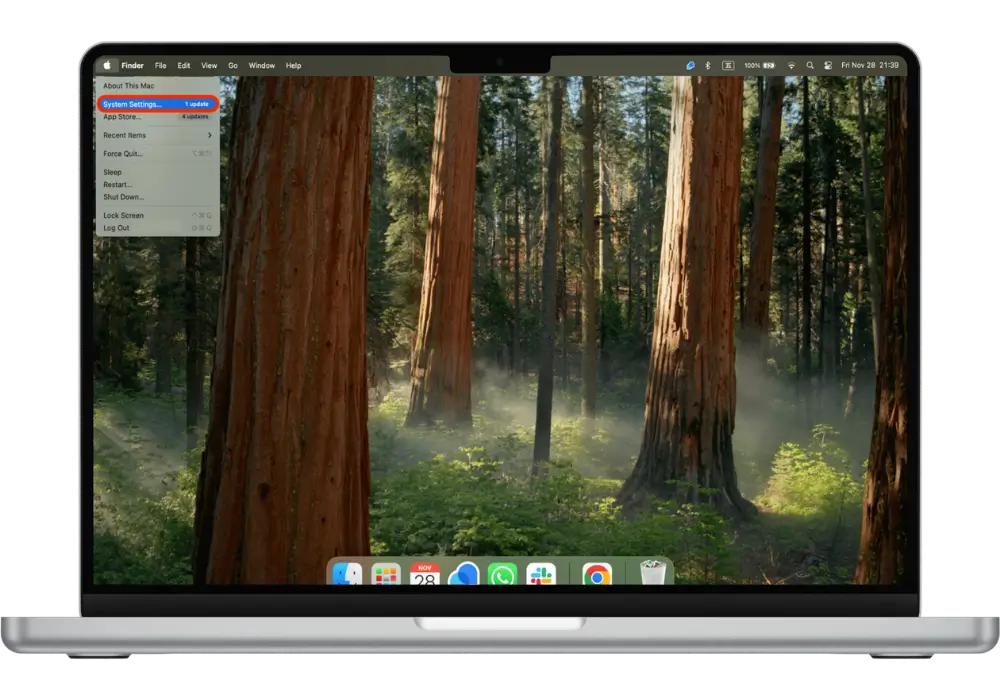
Disable Find My, Sign Out On iPhone.
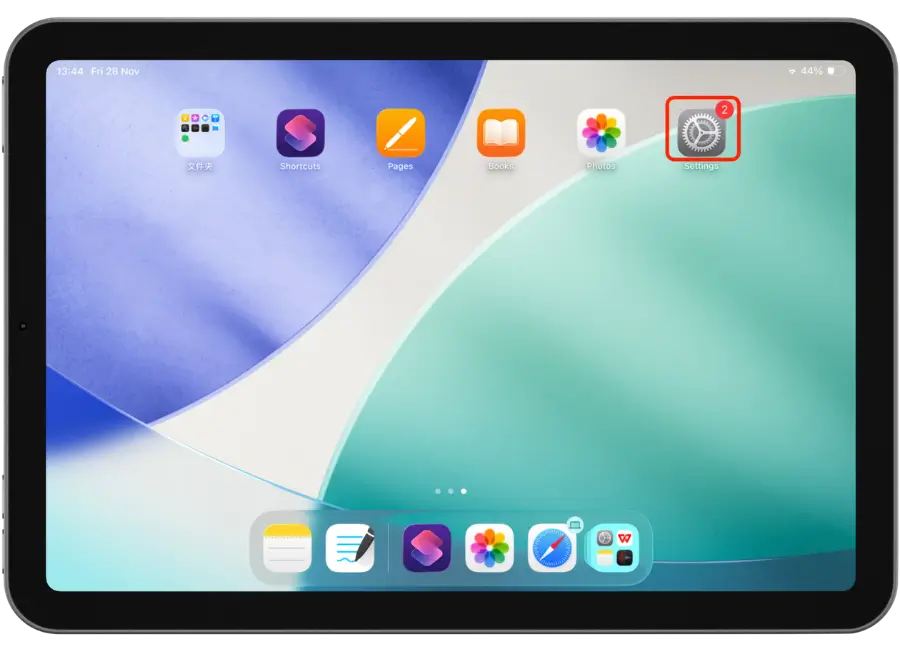
1. Tap Settings.
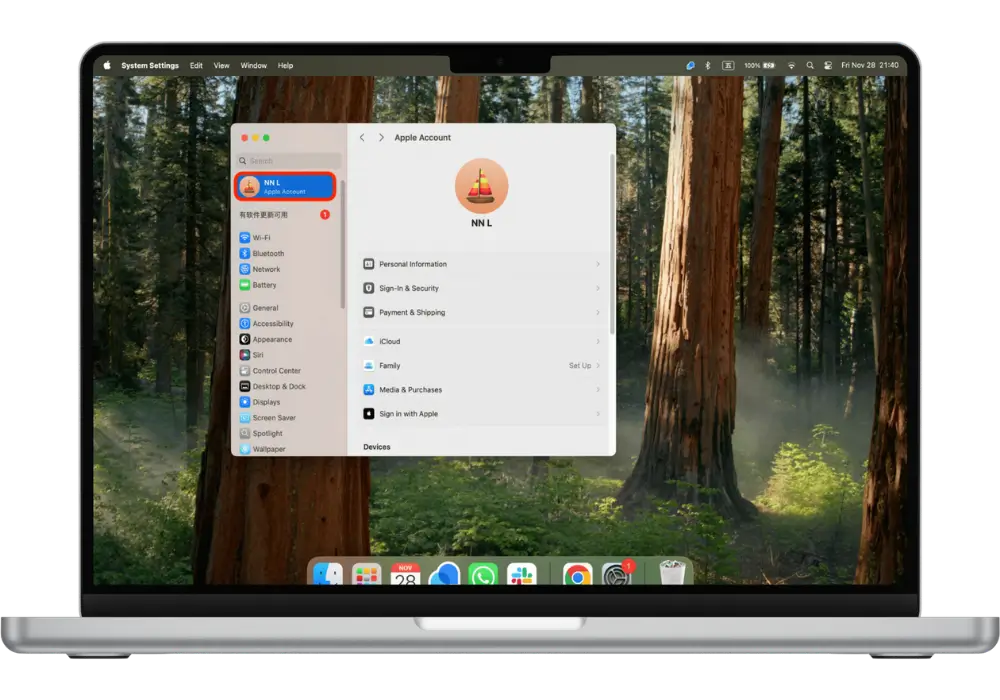
2.Tap On The Apple lD Profile
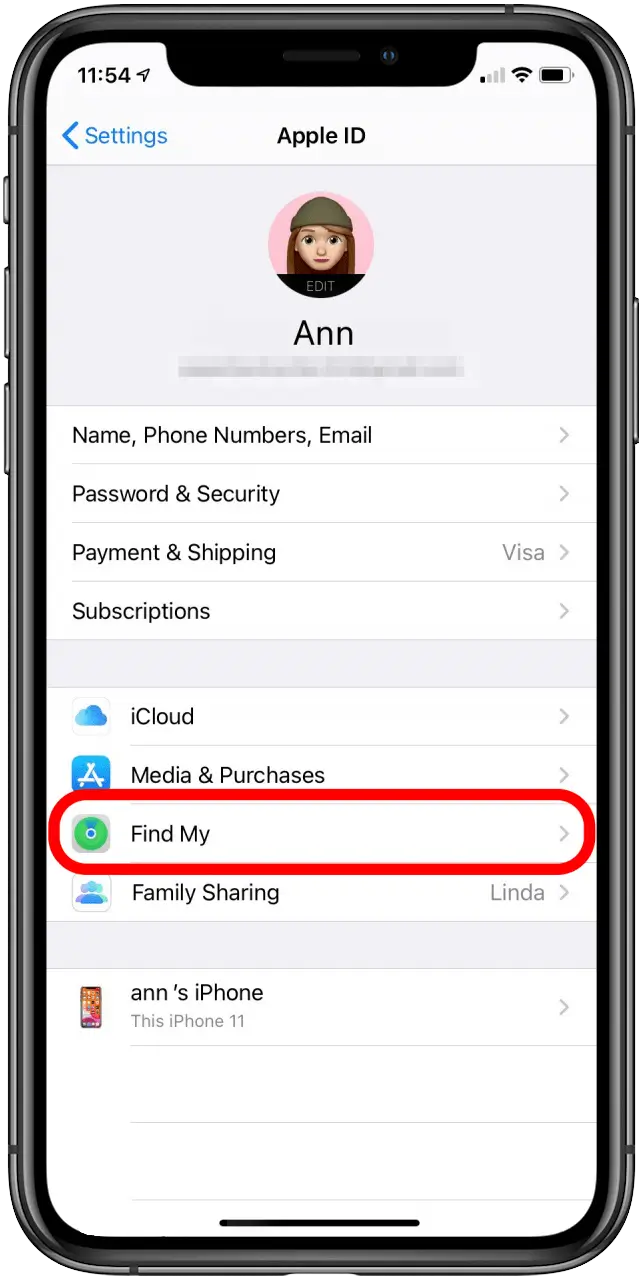
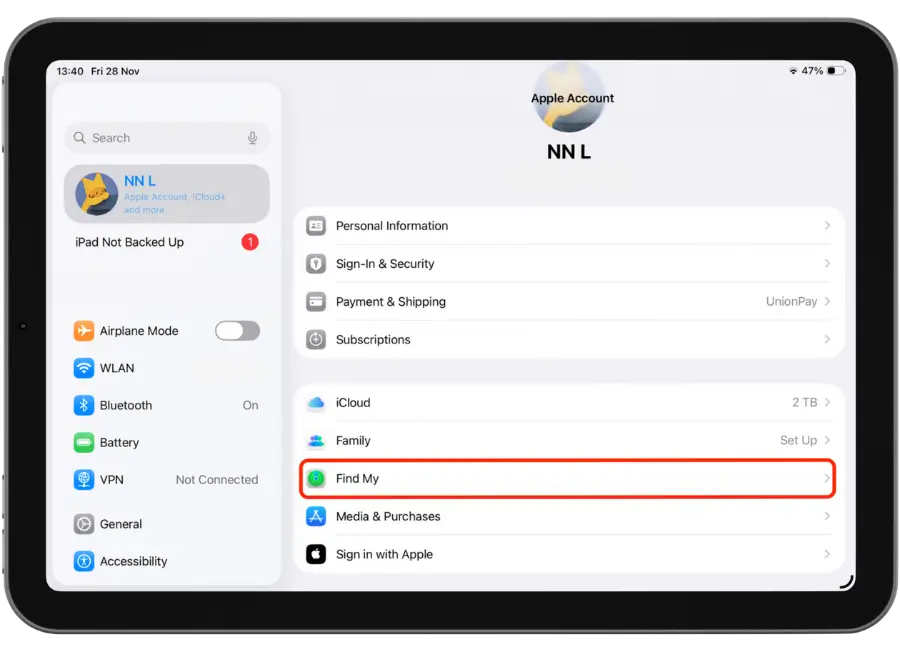
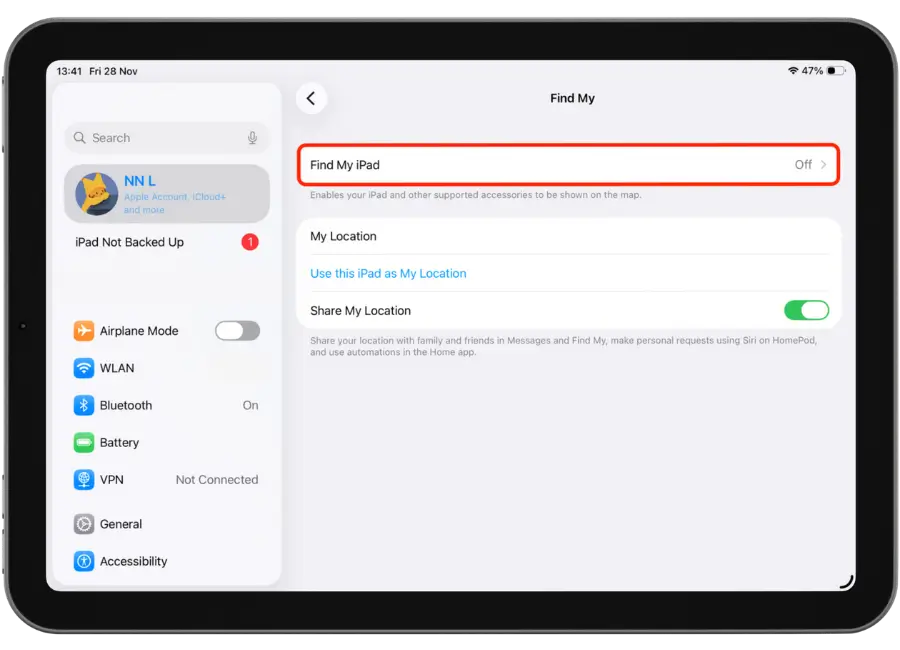
3.Tap Find My.
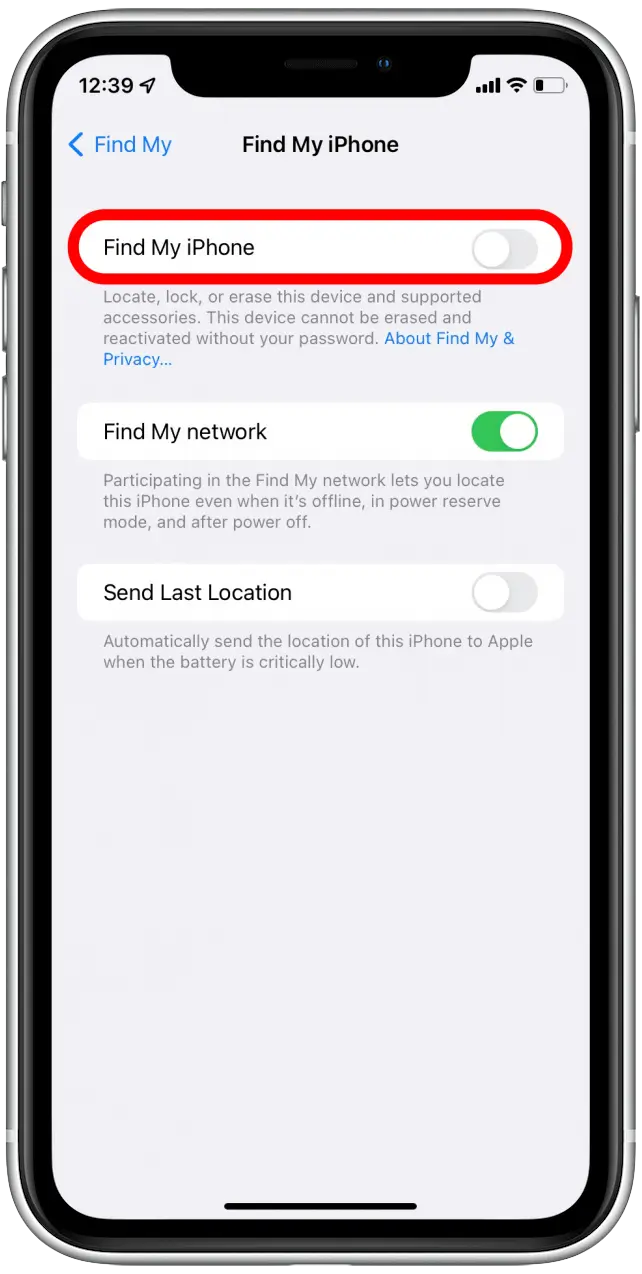
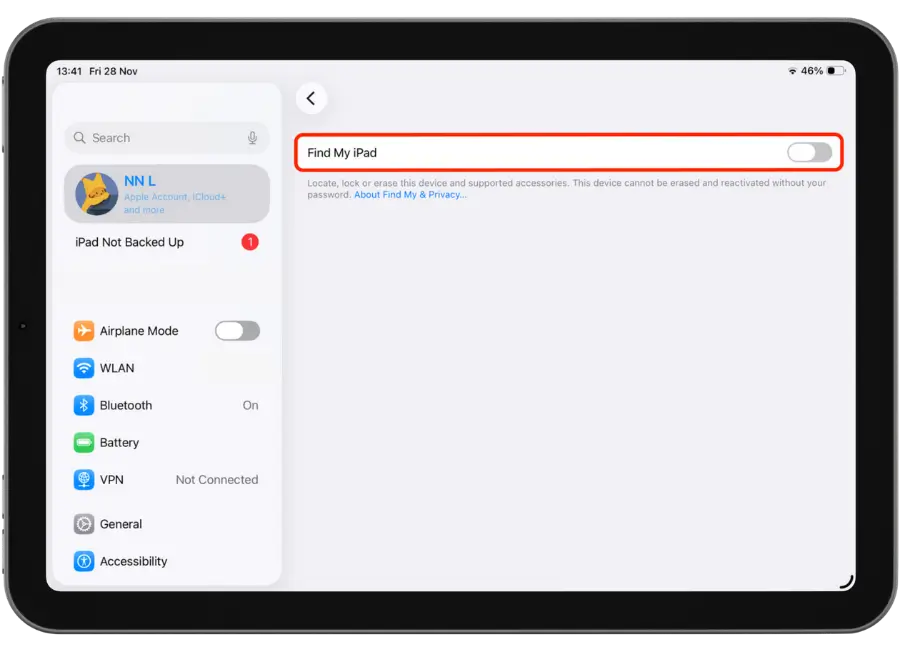
4. Turn Find My iPhone Off
5. Toggle Find My iPhone Off
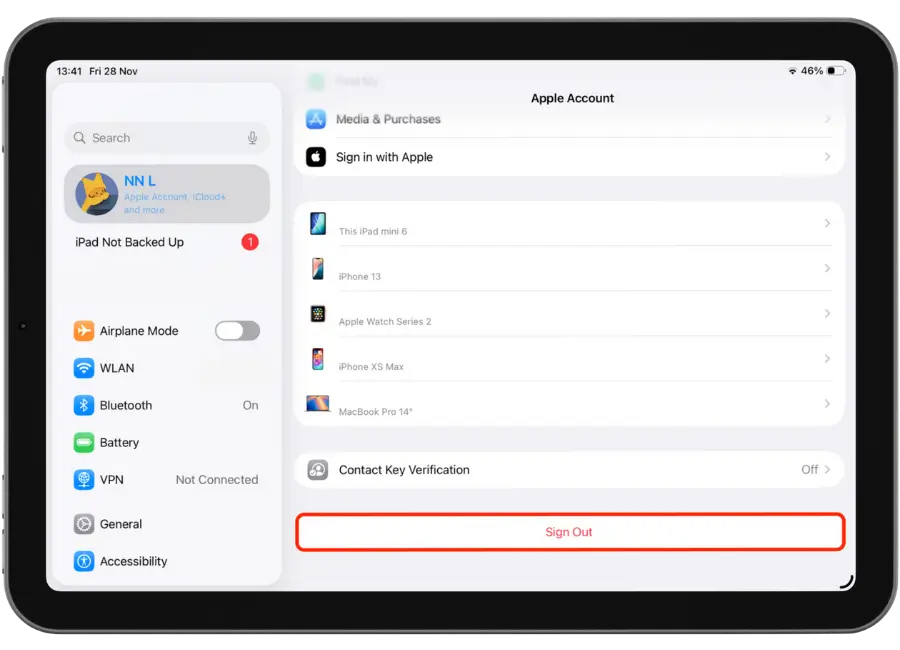
6. Sign Out Of My iCloud
3. Factory reset
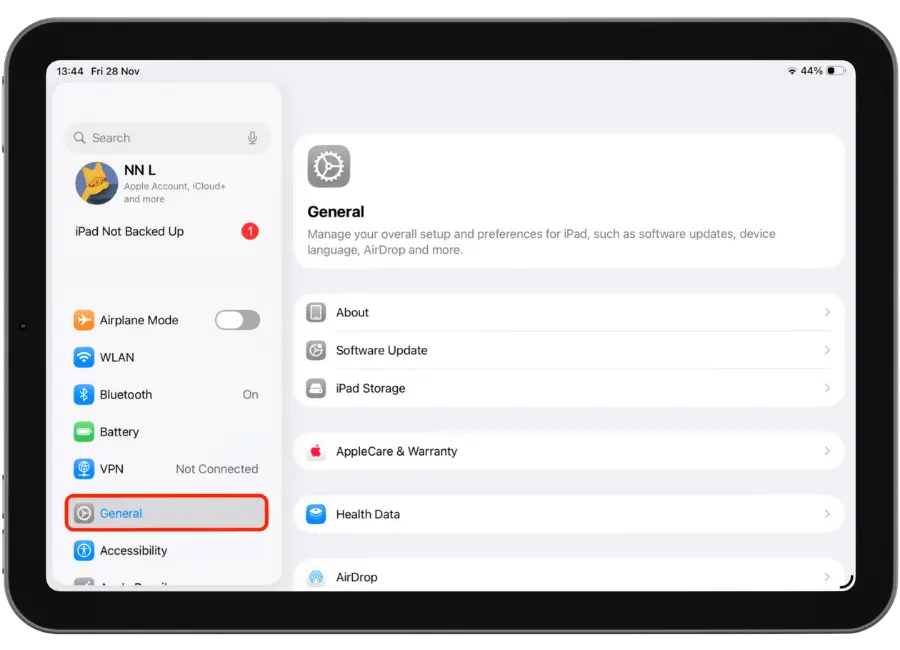
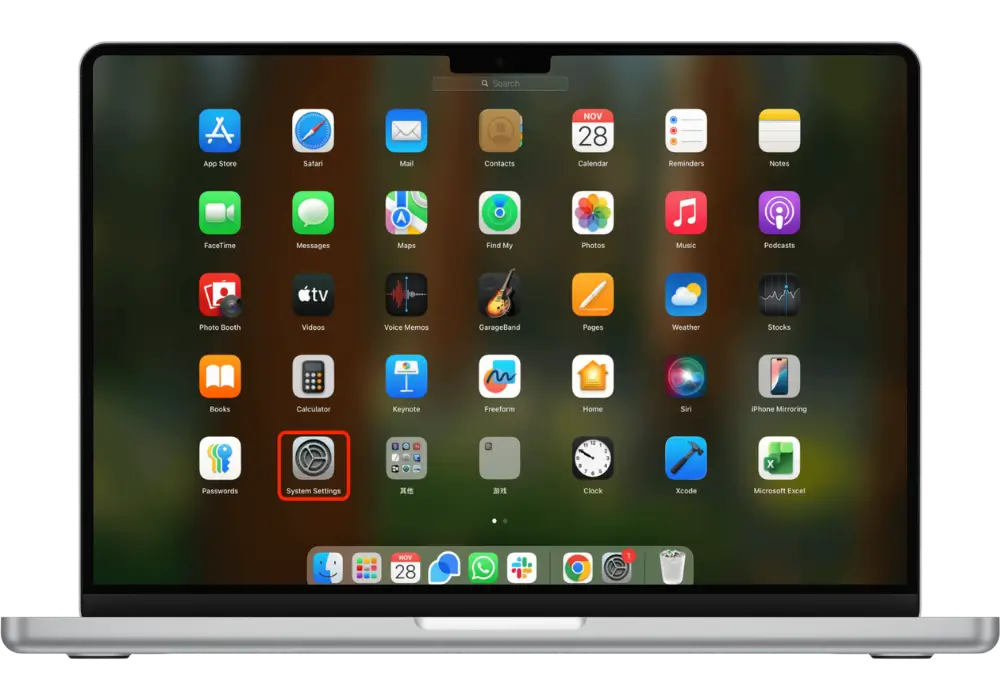
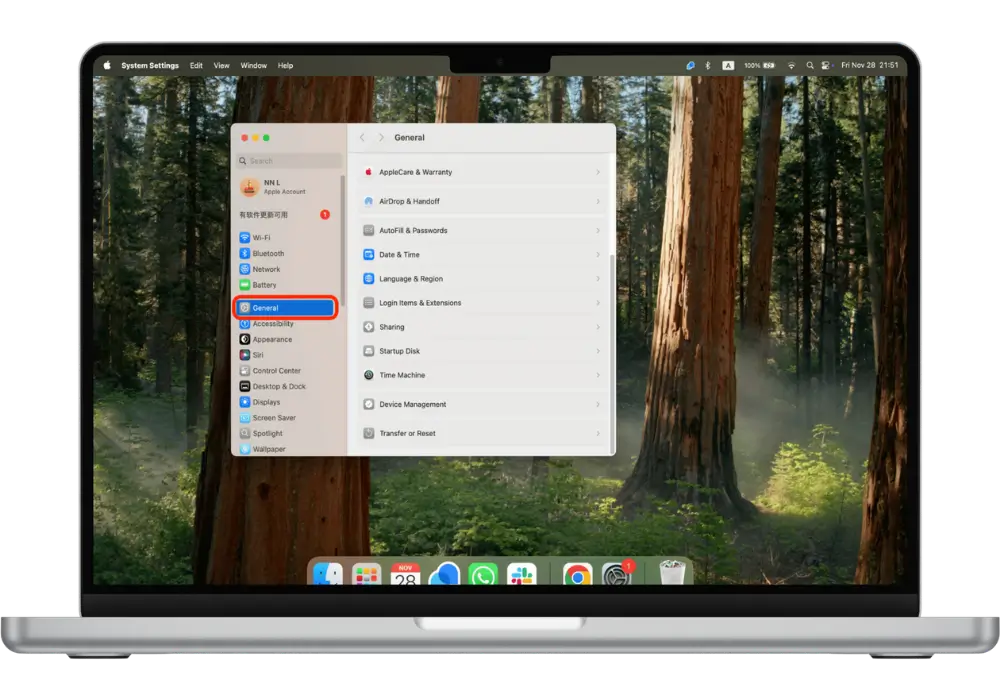
1. Tap Settings
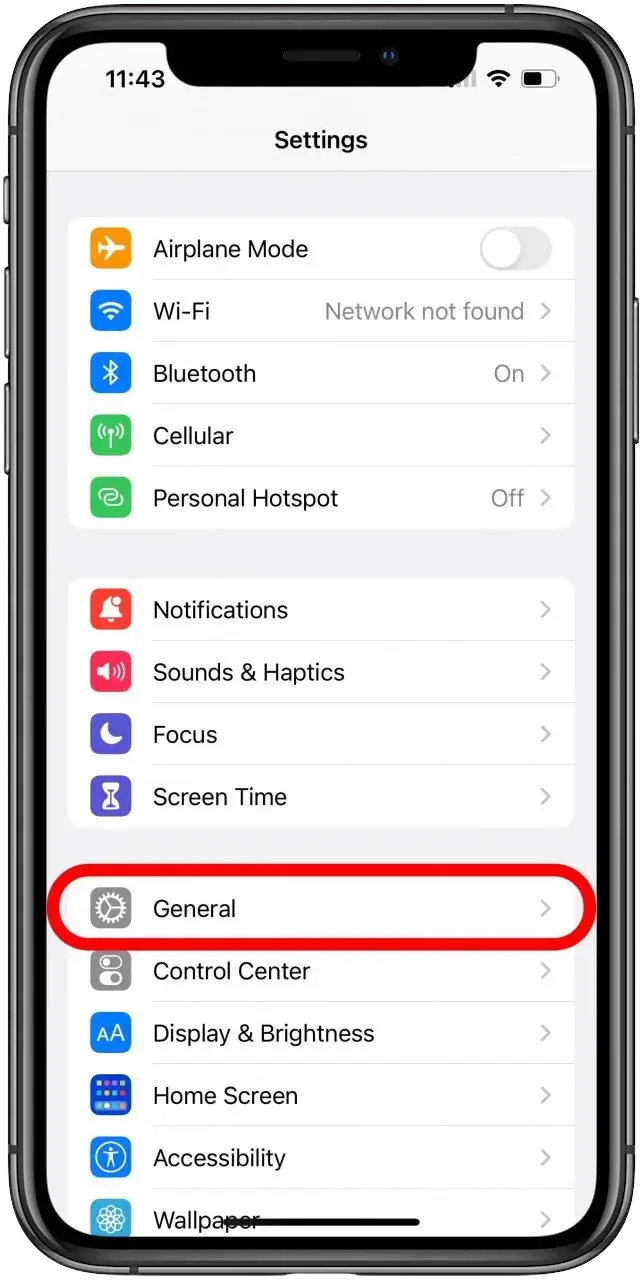
2.Tap General
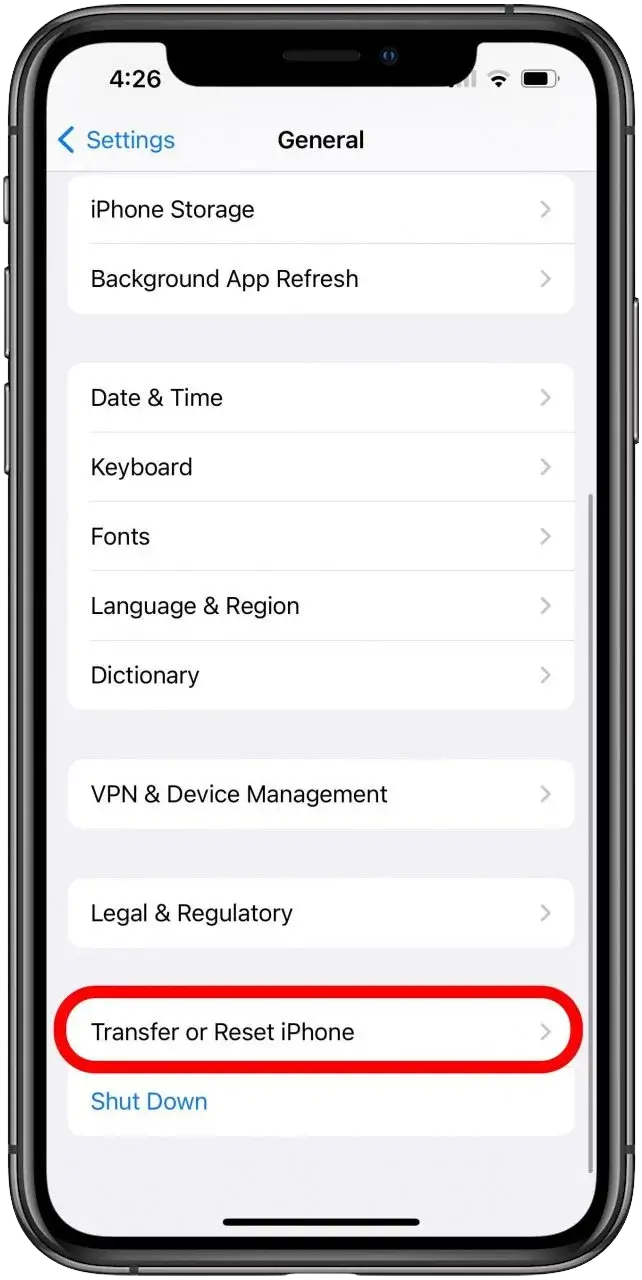
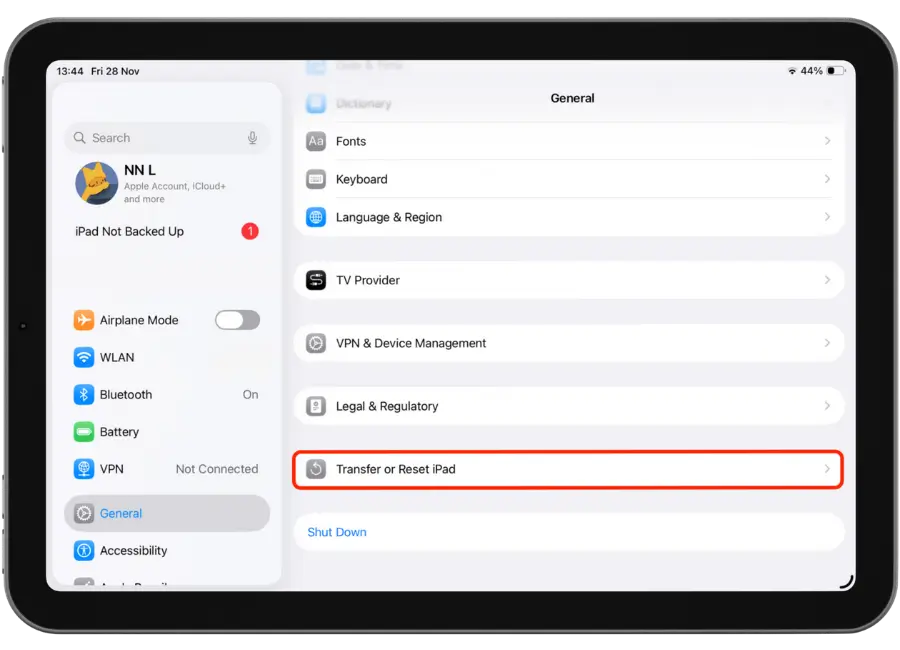
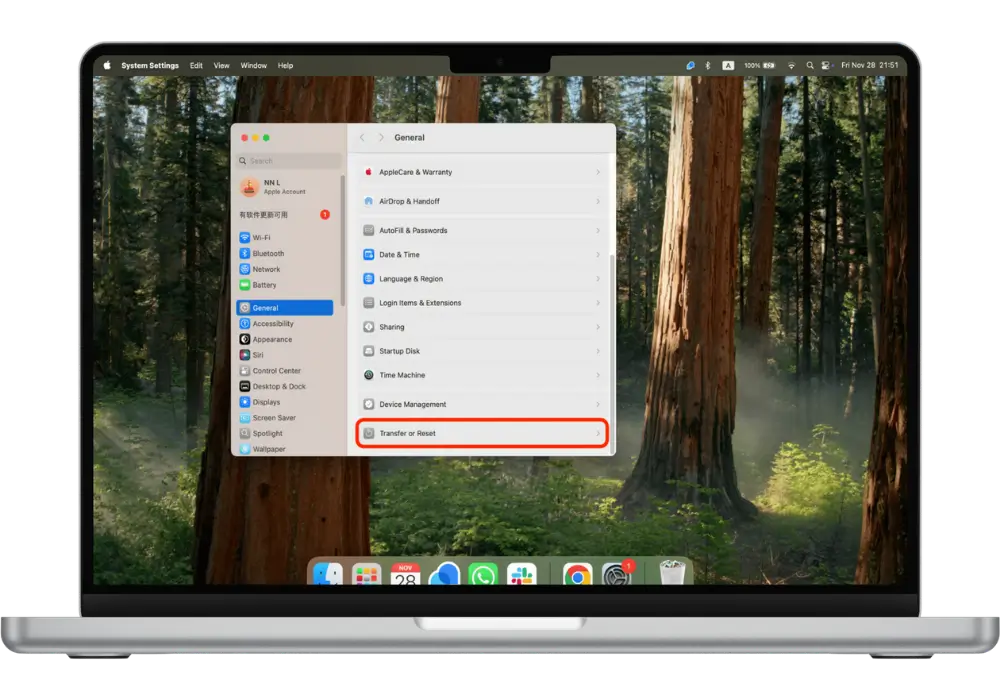
3.Scroll down to the bottom and tap Transfer or Reset iPhone
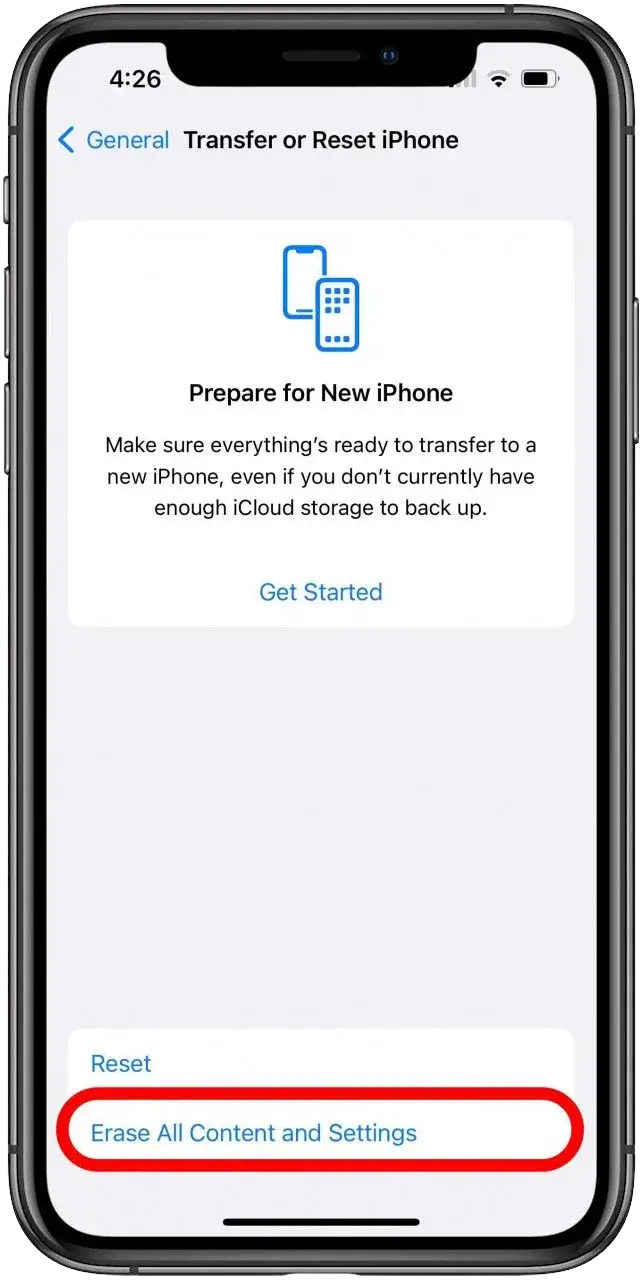
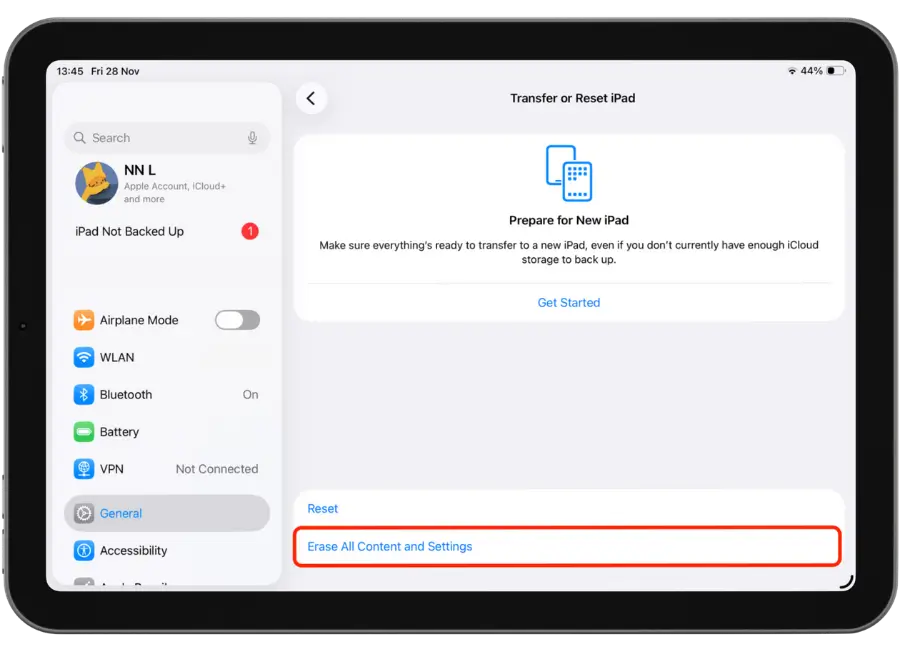
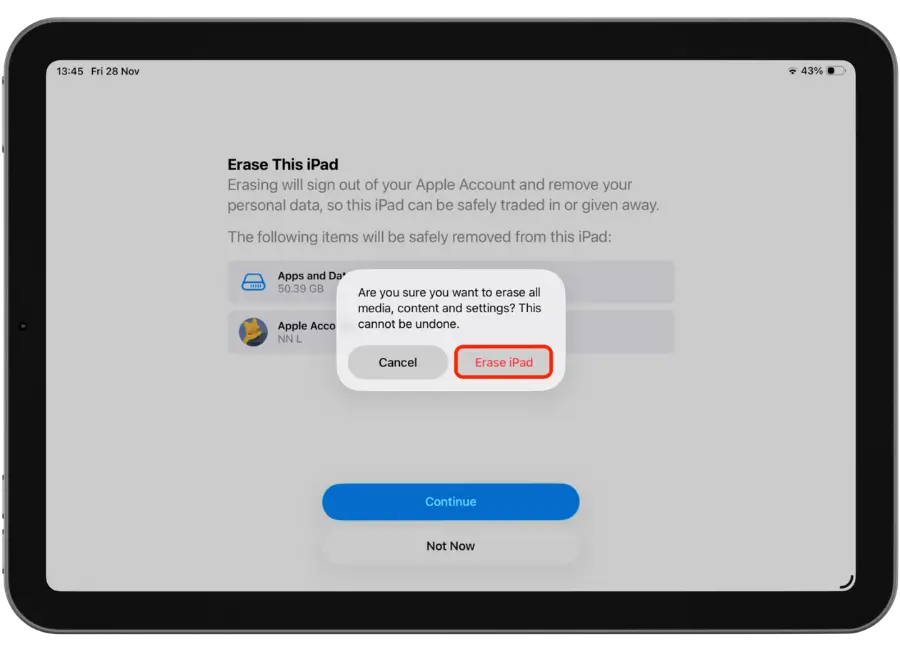
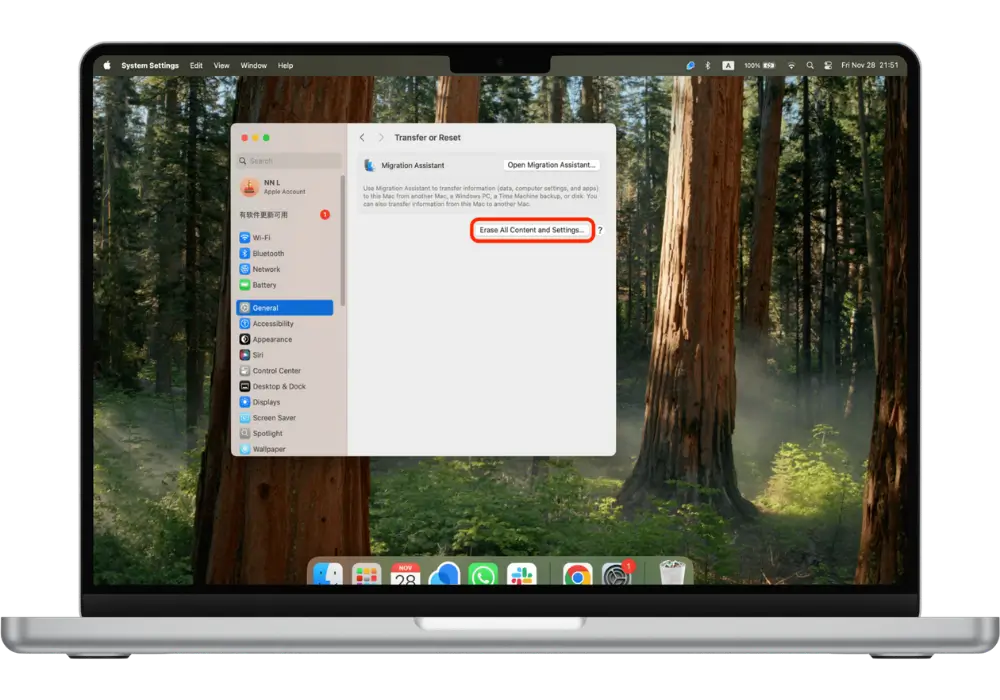
4. Tap Erase All Content and Settings
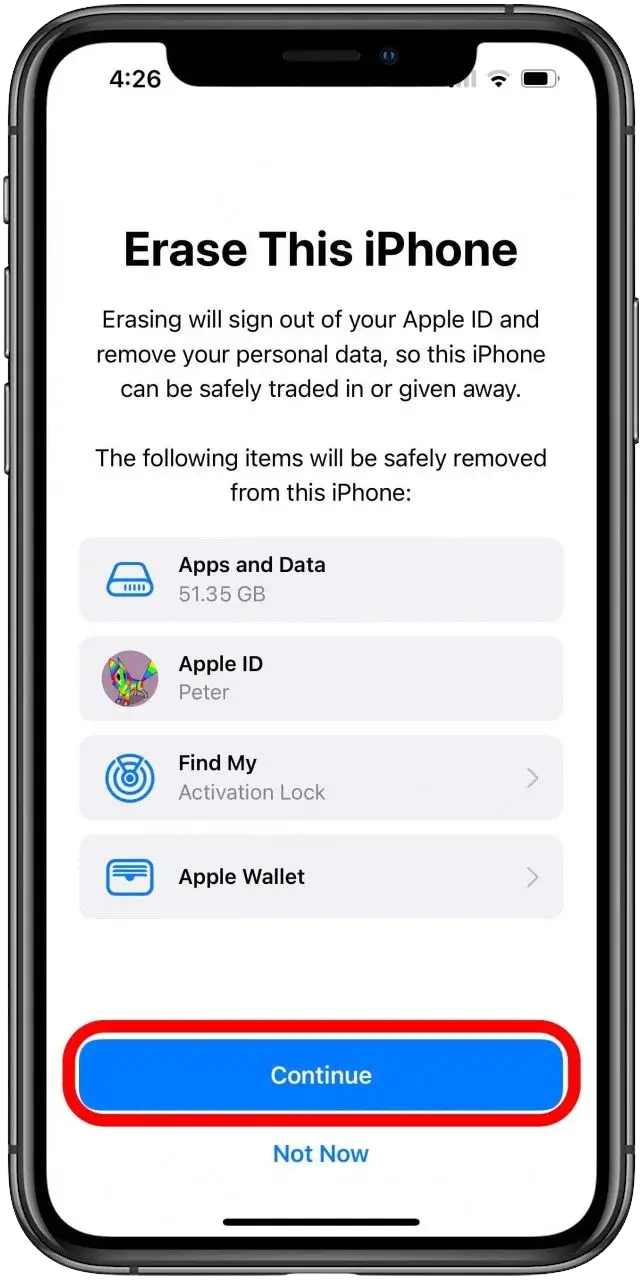
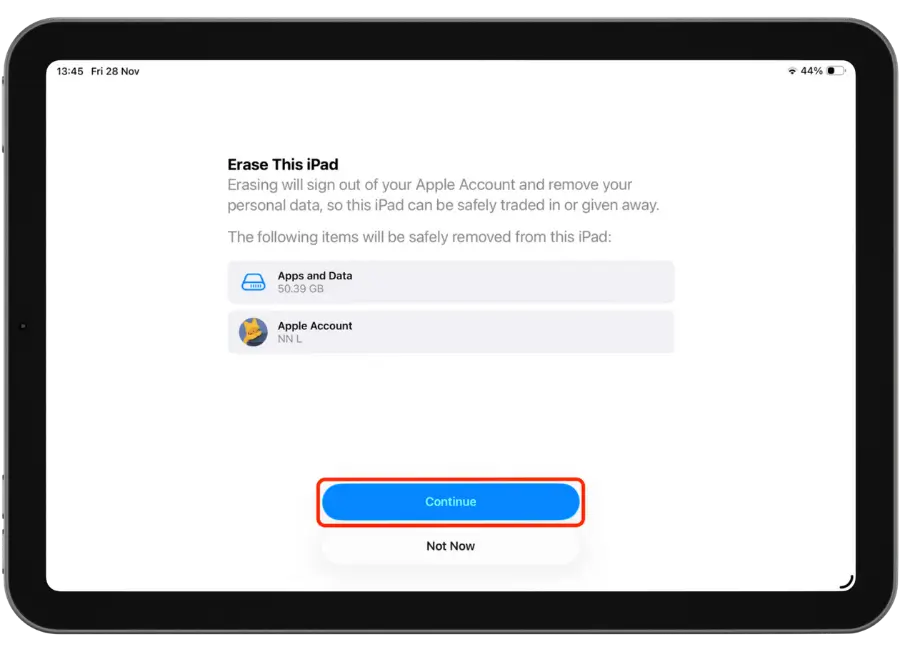
5.Once You’ve Checked Over Things On This Information Screen, Tap Continue.
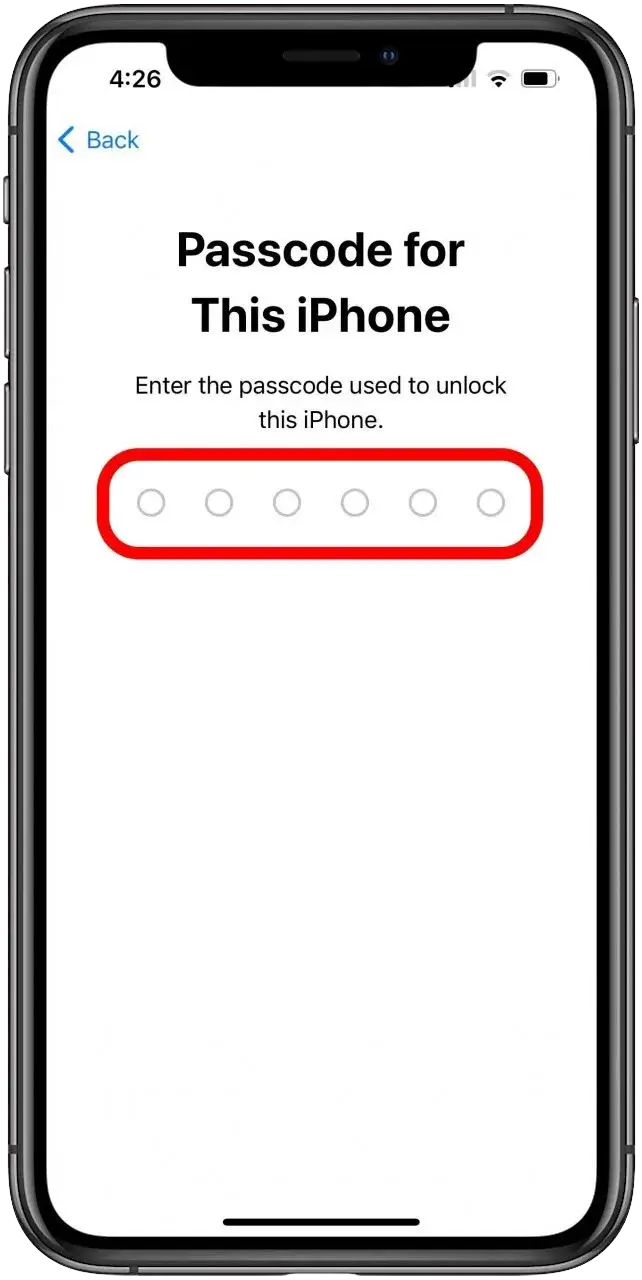
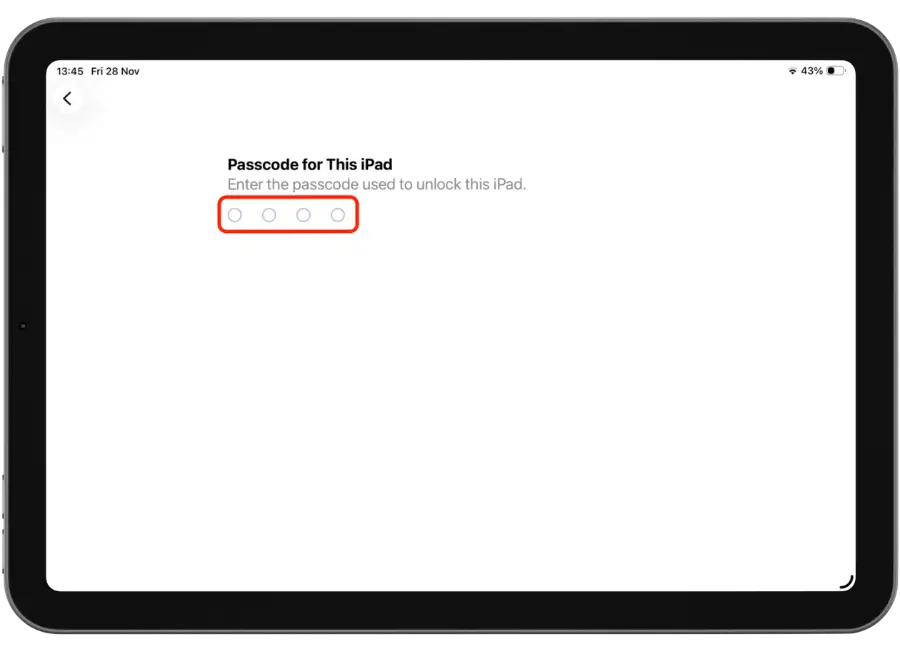
6. Confirm By Entering Your iPhone Passcode
4. Remove SIM & accessories
keep cases/cables unless requested.
5. Clean & power off
wipe and switch off.
6. Pack safely
Make sure you securely pack your device and send. Use bubble wrap to wrap around your device and place the device in the box or original box. You can purchase bubble wrap and boxes from nearest post office, bunnings or office works.
Tips:
Do/Don't
Do: Pad the corners, use a sturdy box if needed. Don’t: Leave iCloud locks on.